Requesting Access
Polyphemus can generate sensitive content for evaluation purposes. For this reason, access is not automatic—each request is reviewed by the Rhesis team before approval.
How to Request Access
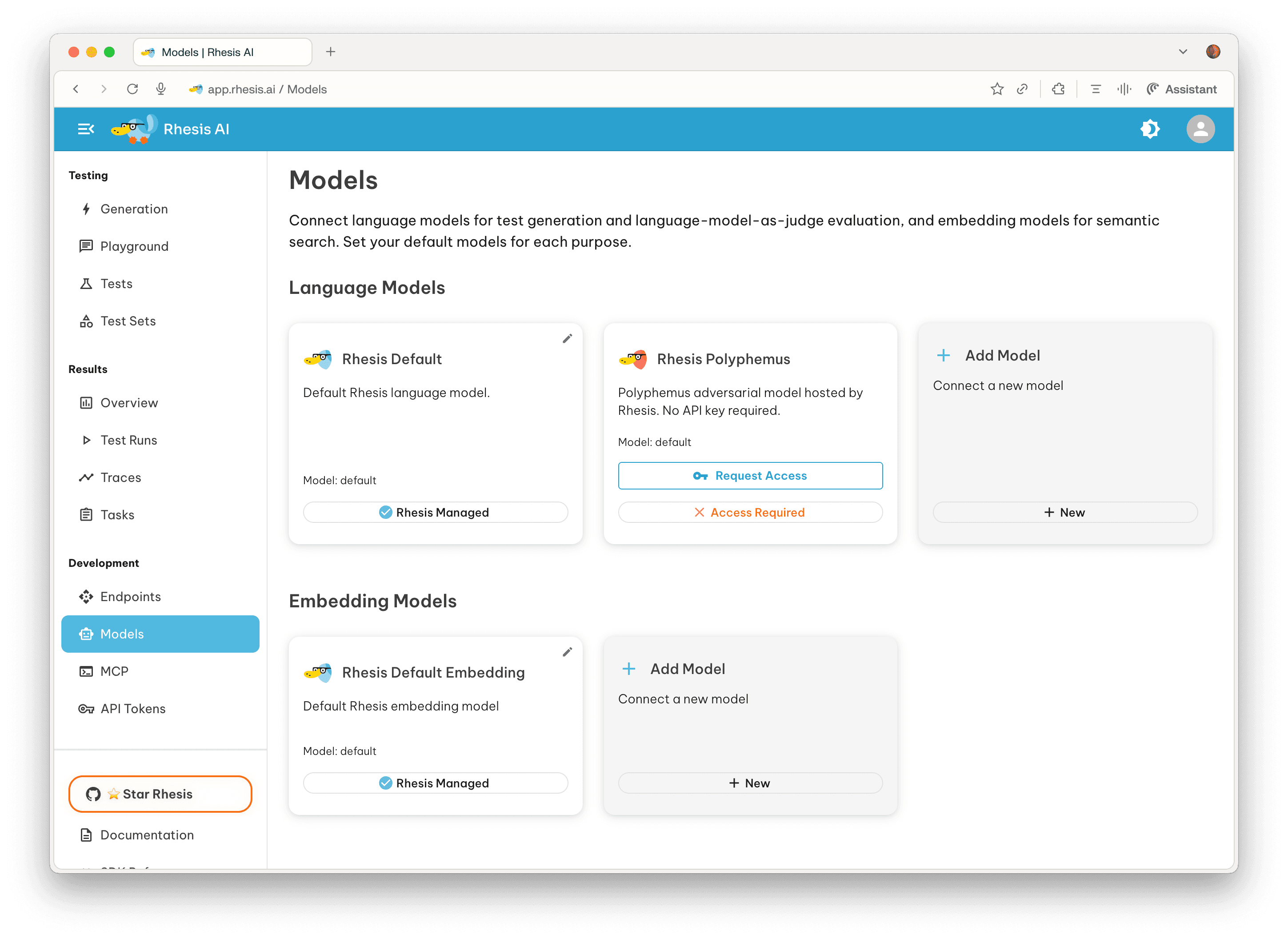
- Log in to the Rhesis platform and navigate to Models in the left sidebar.
- Locate Polyphemus and click Request Access.
- Fill out the access request form.
The form asks for:
- Expected Monthly Requests — an estimate of how many requests you plan to make per month
- Justification & Use Case — a description of why you need access, how you plan to use Polyphemus, the types of tests you’ll be conducting, and how you’ll ensure responsible use
After Submitting
The Rhesis team will review your request. Once approved, you can use Polyphemus through the SDK with your existing RHESIS_API_KEY.
Note: Approval is not instantaneous. The review process exists to ensure Polyphemus is used responsibly and in appropriate evaluation contexts.
Using Polyphemus After Approval
Once approved, no additional configuration is needed beyond your existing Rhesis API key:
See Using Polyphemus with the SDK for full integration examples.