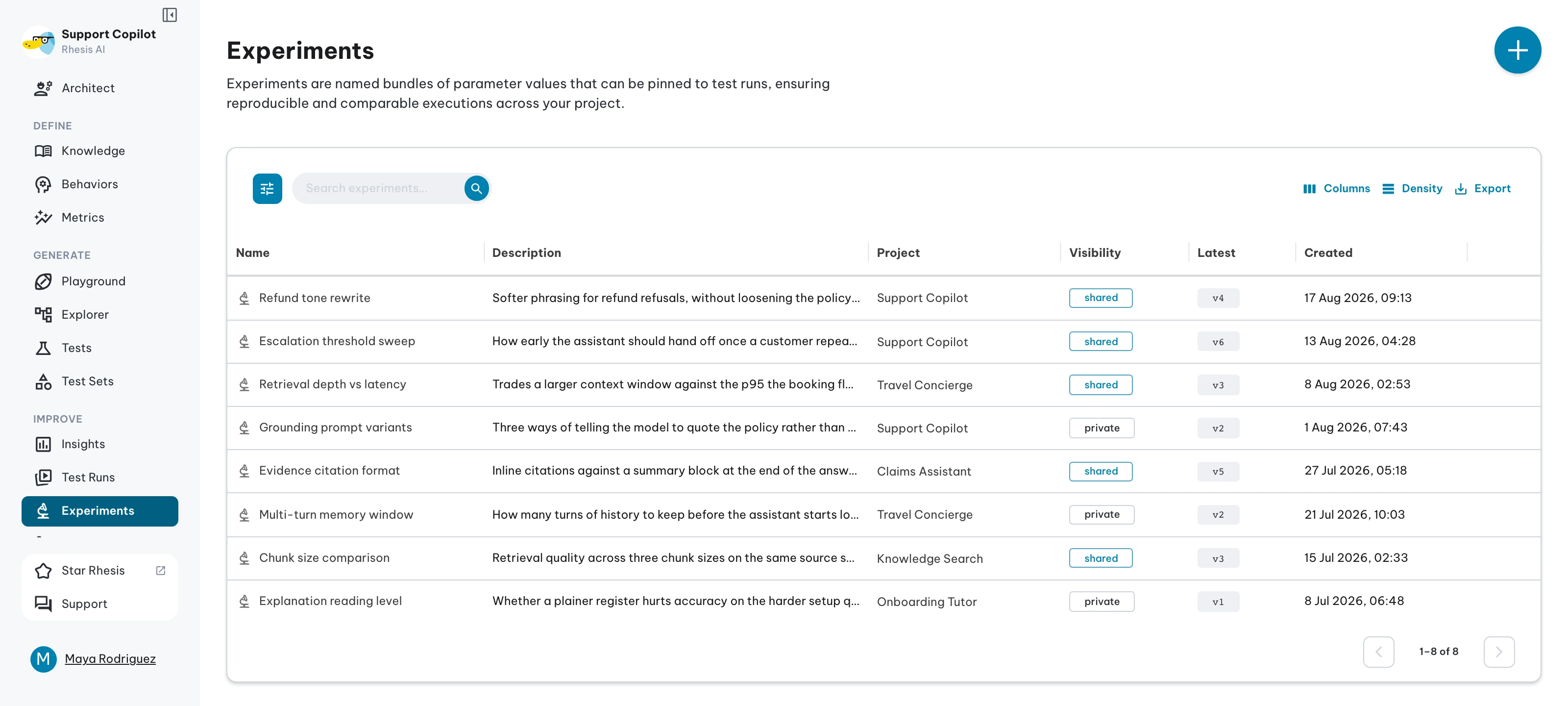
Experiments
An experiment is one attempt at a parameter configuration. Versions are its immutable history; environments are how running code and test runs find a version.
The mental model
Experiments follow a specific lifecycle from private drafting to production deployment:
- Schema: The project’s Parameter Schema defines the typed slots available to configure.
- Author: You create a new experiment. By default, it is private to you, providing a safe sandbox.
- Commit: You fill in values for the parameter slots and save. Every save mints a new, immutable Version with a sequential identifier (v1, v2, v3, …).
- Share: Once the experiment is ready, you flip its visibility to shared, making it visible to your team.
- Promote: You promote a specific version of your shared experiment to an Environment (like
defaultorproduction). - Resolve: Application code and test runs request parameters by environment, automatically receiving the newly promoted configuration.
Vocabulary
- Parameter Schema — A project-scoped, typed contract. Declares what knobs exist (slot name + type + default).
- Parameter (or slot) — One named entry in the schema.
- Experiment — A named, owned attempt at a configuration. Holds values for the schema’s slots.
- Version — An immutable snapshot of an experiment’s values at a moment in time, identified by a sequential label (v1, v2, …).
- Environment — A movable, project-scoped pointer at a specific
(experiment, version)pair. - Visibility — A per-experiment flag (
privatevsshared). - Promoting — Moving an environment to point at a different version.
- Pinning — Fetching configuration by
versioninstead of by environment. - Snapshotting — Capturing resolved values at run-queue time to guarantee test reproducibility.
Why immutable versions?
Versions are immutable so a test run can be re-run six months from now and produce bit-identical inputs.
If versions were mutable, changing a parameter would silently invalidate historical test results. Because each version is immutable and sequentially numbered, the audit trail is exact: “this run used v3”.
Why movable environments?
Production code shouldn’t hardcode version identifiers — it asks for environment="production".
Environments separate what’s running from what was running. Promoting an environment is the deployment step. Tying environments to versions (not to experiments) means you can promote the same experiment to multiple environments (for example staging a change before rolling it out to production).
Visibility: private vs shared
Private experiments are your personal sandboxes — your colleagues can’t accidentally use yours, and you can’t accidentally affect theirs.
Sharing an experiment is the explicit act of saying “this is ready to be a team artifact”. As a safety mechanism, only shared experiments can be promoted onto an environment, ensuring a stray draft can’t accidentally hit production.
Promoting (the deployment primitive)
Promoting is the act of moving an environment.
The mechanics are simple: pick a shared experiment, select a version, and click “Promote to default” (or any other environment name).
Deployment Impact: Moving an environment immediately impacts all consumers resolving against that environment (after their short TTL cache expires). Promoting the production environment is a true deployment and should be treated as a deliberate action.
Well-known environments
Rhesis provides four well-known environment names out of the box: default, development, staging, and production.
defaultis the implicit pointer. It’s what the SDK returns when no environment is explicitly requested.development,staging, andproductionmirror a typical promotion path so you can fan out deployments without copying experiments between projects.
You can also create custom environment names at will for your own workflows.
Reproducibility: snapshotting
When a test run is queued, Rhesis snapshots the resolved parameter values.
This means that if an environment is moved after a run is queued, the test run is not perturbed. The worker only reads from the snapshot. This guarantees that test runs remain reproducible even as your environments point to newer configurations over time.
For the most reproducible production deployments, you can pin a version in the SDK (version="v3") to bypass environment resolution entirely.
UI Walkthrough
Running a test set against an experiment
When executing a Test Set, you can optionally target it against an experiment:
- Open the Execute drawer for a Test Set.
- Select an Experiment from the dropdown.
- (Optional) Pin to a specific version.
- Review the resolved-values preview (secret references are masked).
- Click Run.
The Latest Results panel
The bottom of the Experiment detail page features the Latest Results panel. This fetches recent test runs that executed against versions of this experiment.
It offers two toggleable views:
- By run: A flat list providing a pass/fail summary per run with deep links to the test run details.
- By version (config-diff): Runs grouped by
parameter_version, ordered newest first. For each pair of adjacent versions, a compact diff row shows:- The changed parameter slots and their before/after values (for example
temperature: 0.7 → 1.4). - The pass-rate before vs after, and the delta (for example
82% → 70% (-12pp)).
- The changed parameter slots and their before/after values (for example
The config-diff view is your primary regression-finder: it surfaces exactly which edit broke things without requiring manual reasoning.
Comparisons
To help anchor the mental model, here is how Rhesis parameter management compares to systems you may already know:
| Rhesis | Git | Feature Flags | MLflow |
|---|---|---|---|
| Version | Commit (immutable) | Rule Snapshot | Run |
| Environment | Branch Tip / Tag | Environment | Tag |
| Experiment | Branch | Flag | Experiment |