Models
What are Models? Models are AI service providers that you can set up for your evaluation and testing workflows.
Models in Rhesis are used for two primary purposes:
- Test Generation: Automatically generate test cases based on your requirements (see Tests)
- Evaluation (LLM as Judge): Evaluate AI responses using metrics powered by LLMs (see Metrics)
You can configure default models for each purpose in the model settings, or select specific models when creating individual metrics or test cases.
Default Model
Rhesis provides a default managed model that requires no configuration:
- Rhesis Default: Default Rhesis-hosted model
- No API key required
- Pre-configured for both generation and evaluation
- Ready to use immediately
Supported Providers
Supported Providers
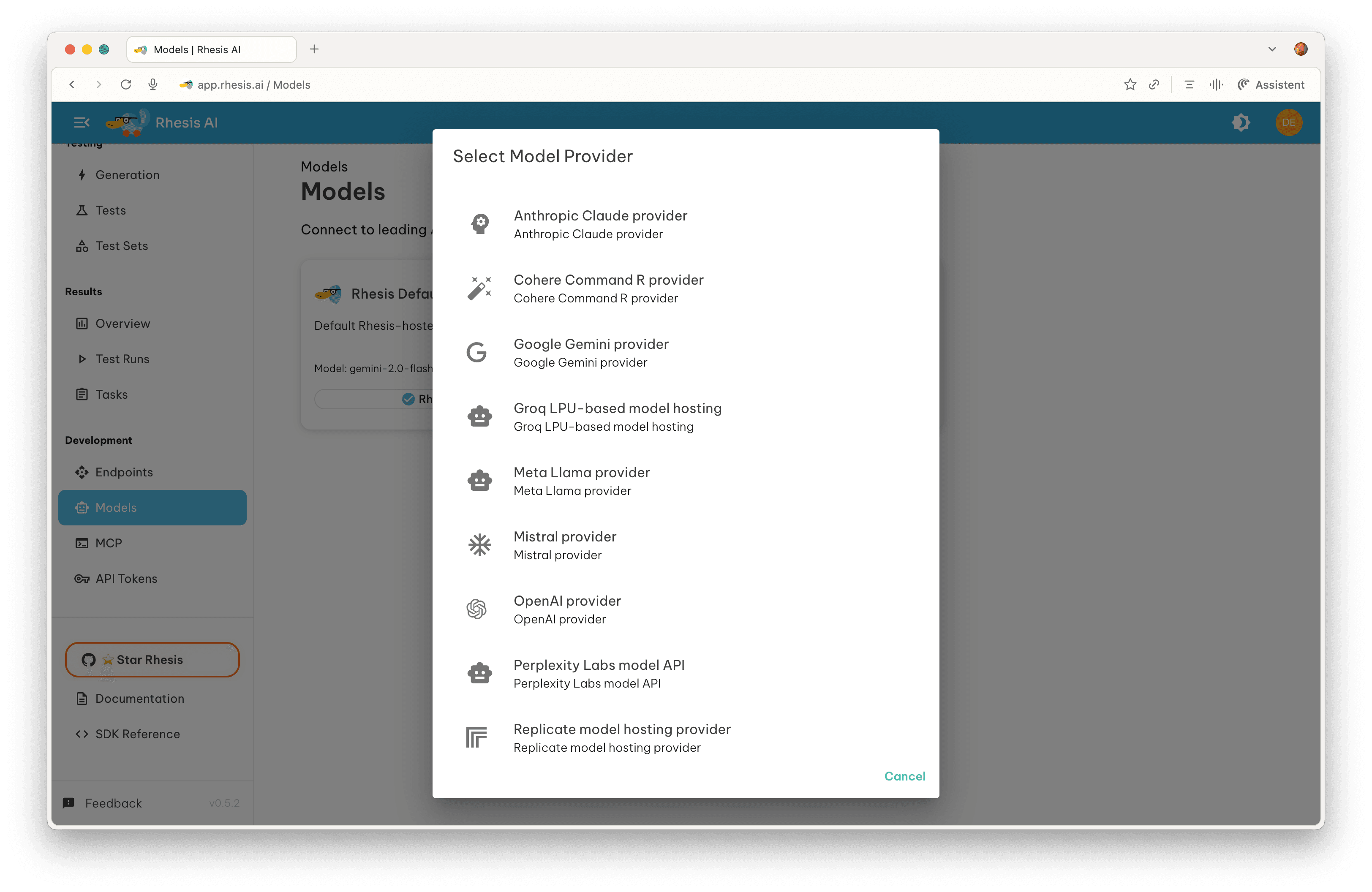
Rhesis supports connections to major AI providers including:
- Anthropic - Claude provider
- Cohere - Command R provider
- Google - Gemini provider
- Groq - LPU-based model hosting
- Meta - Llama provider
- Mistral - Mistral provider
- OpenAI - OpenAI provider
- Perplexity - Labs model API
- Replicate - Model hosting provider
- Together AI - Multi-model provider
Connecting a Model Provider
- Click “Add Model” on the Models page
- Select a provider (e.g., Google Gemini, OpenAI, Anthropic)
- Fill in the required fields:
- Connection Name: Unique identifier for this connection
- Model Name: Specific model to use (e.g., “gemini-1.5-pro”, “gpt-4-turbo”)
- API Key: Your API key from the provider’s dashboard
- (Optional) Configure additional settings:
- Custom Headers: Add HTTP headers required for your API calls
- Default for Test Generation: Use this model when generating test cases
- Default for Evaluation: Use this model for metrics evaluation
- Click “Test Connection” to verify your configuration
- Click “Save” to add the model